FPV DVR cleanup for analog and HDZero.
DVR Doctor removes the rainbow streaks and color tears from analog goggle recordings, and repairs the scrambled blocks HDZero shows when the signal breaks up. Drag in one clip or several and it saves a cleaned copy of each.
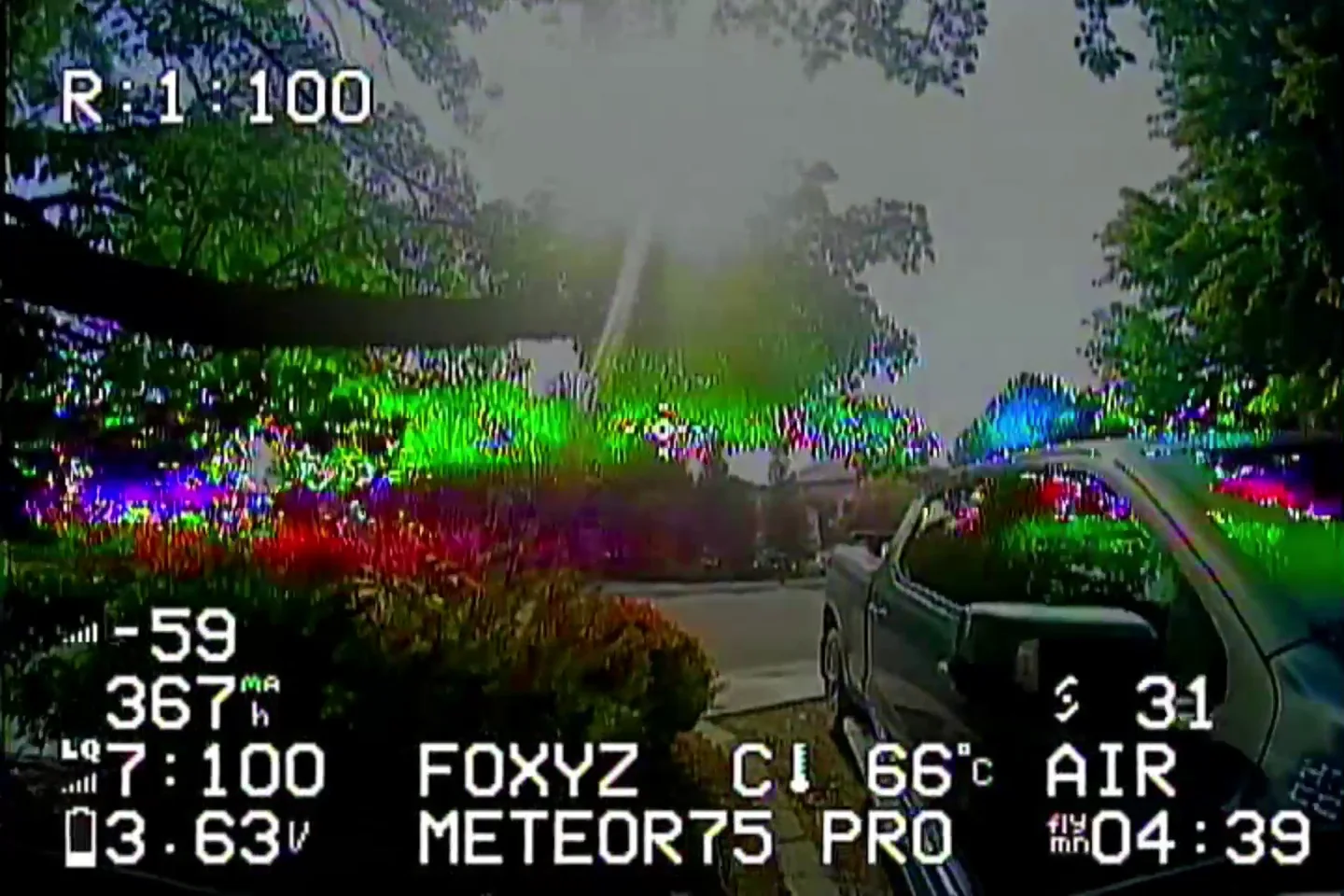
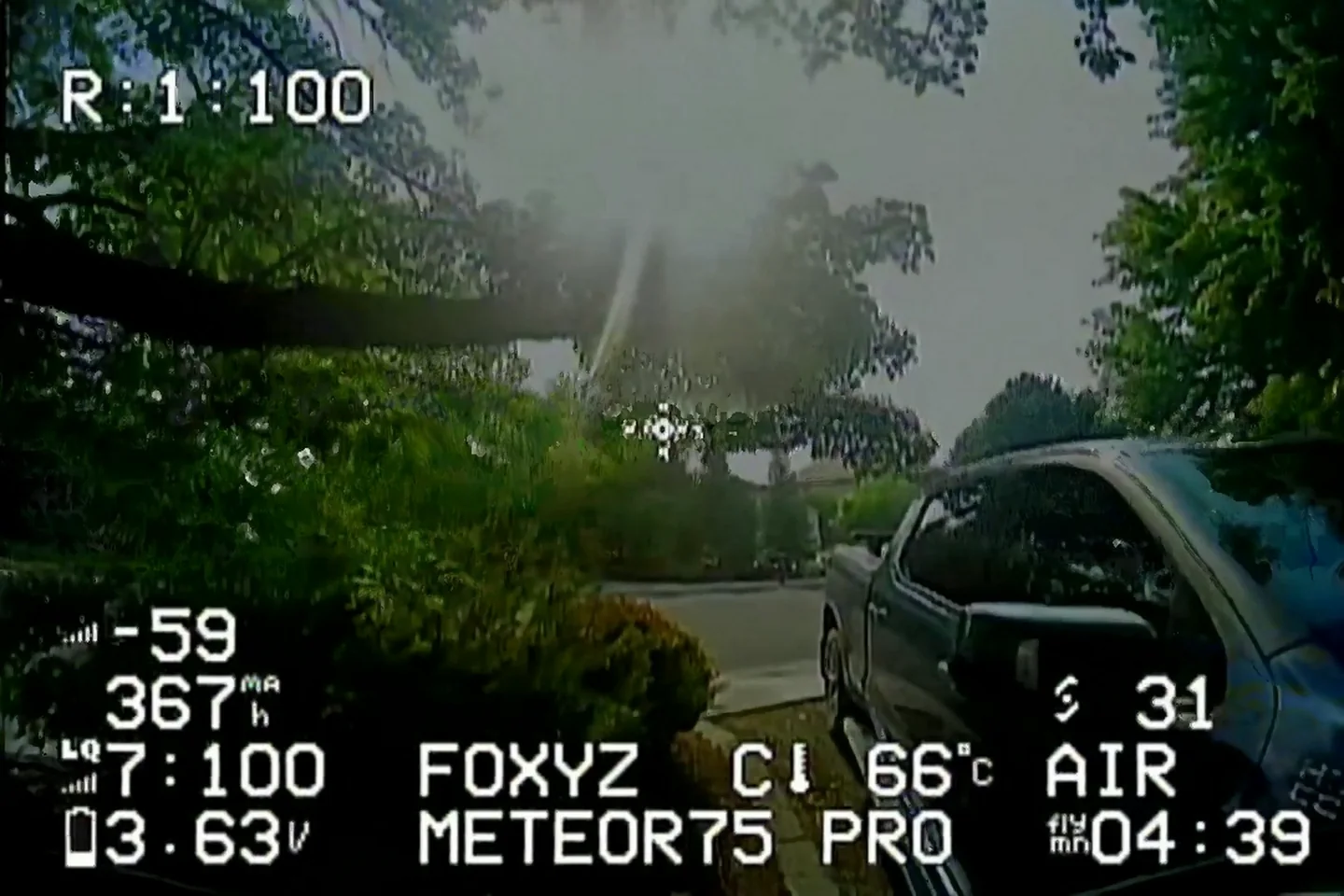
Drag the slider to compare.
These are illustrations made from frames of a Meteor 75 Pro flight. The left side shows the DVR glitches and the right side shows the kind of cleanup the app does.
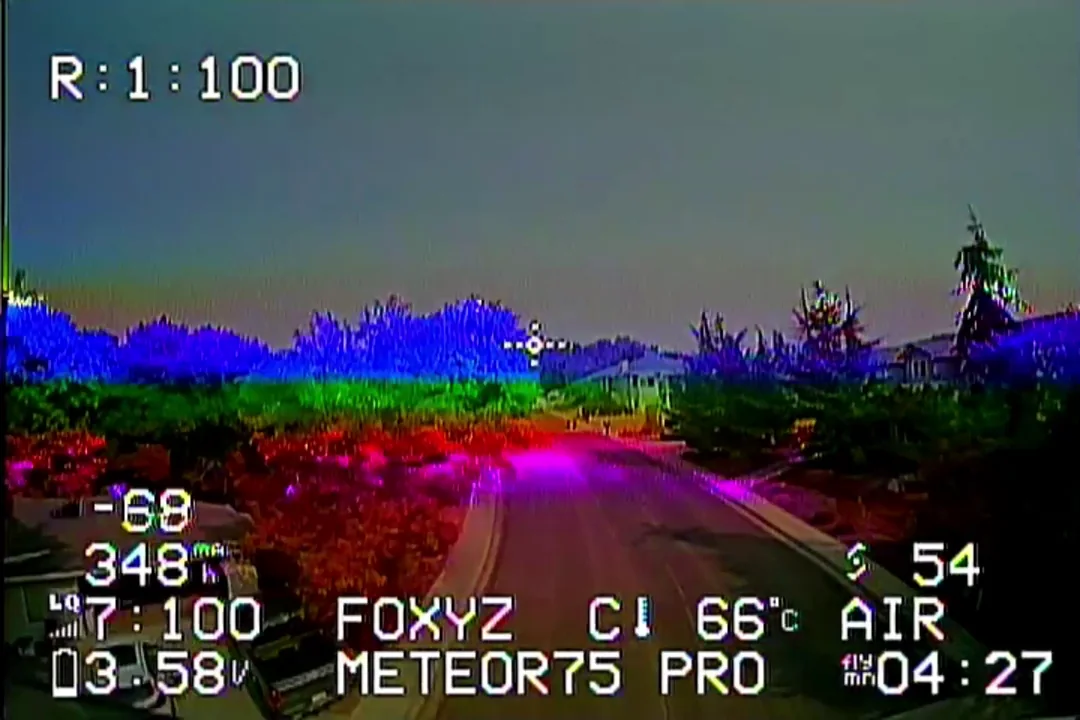
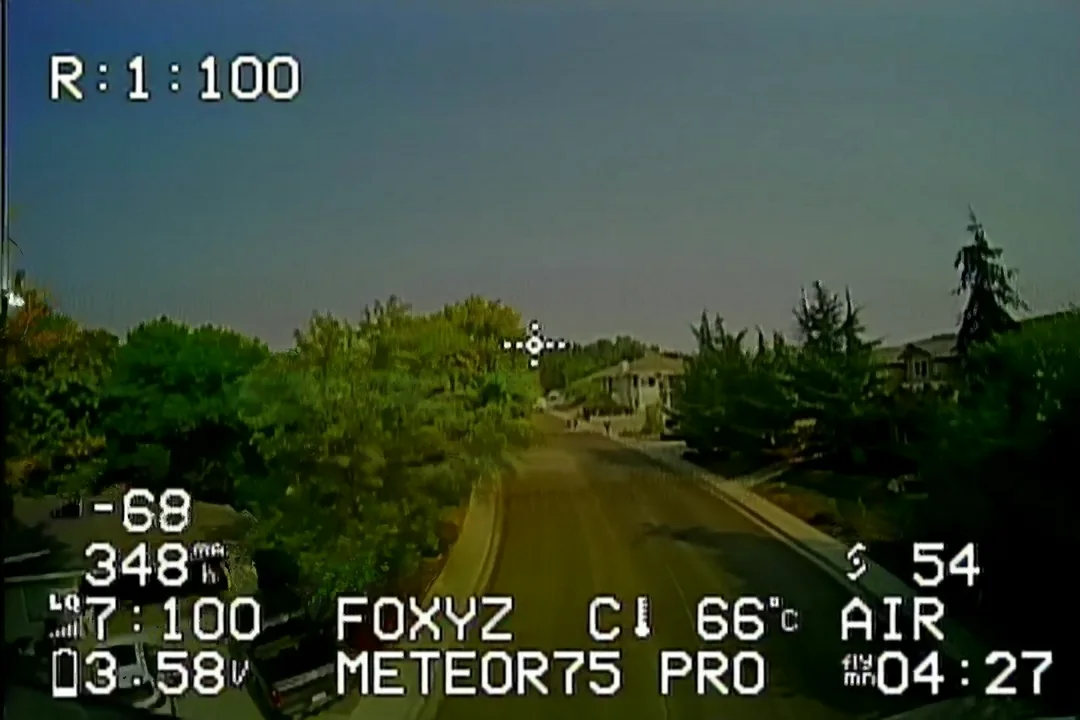
Analog streaks and HDZero breakup.
Analog clips go through one of two engines, Manual or Machine learning. HDZero clips have a separate mode that rebuilds the broken blocks from nearby frames.
Streak repair
The machine learning engine rebuilds each frame from the frames around it, which removes rainbow streaks, color tears and flicker.
Manual color correction
The Manual engine is Foxy's frame-by-frame color correction. You can tune it with the sliders or pick a profile.
GPU support
With All cores turned off, it can use the graphics chip instead (Intel, AMD or NVIDIA on Windows, the built-in graphics on a Mac). If that fails it runs on the processor.
Any aspect ratio or resolution
Load the files as your DVR saved them. It works with whatever aspect ratio and resolution they were recorded in.
Still frames
You can also load a single still grabbed from the DVR and clean the color streaks out of it.
Multi-core processing
The All cores option splits a clip across the processor's cores. It's on by default and is the faster choice on most computers.
Pay once for each computer.
A license key activates the app on one computer. Downloading the app again later doesn't cost anything.
Reinstalls and updates on the same computer don't need a new key.
- Full app, all cleaning features
- Works on Windows or Mac
- One license key for one computer
- Activate within 30 days of buying
- Free re-downloads
- Free updates
How the key works
- Pay $4.99 on Gumroad. The key shows on the receipt page and is emailed to you.
- Copy the key, download the app for Windows or Mac, and install it.
- Paste the key into the app within 30 days of buying it. It locks to that computer. A key that's never activated in those 30 days stops working.
Try it first
Download the app and pick Try it free when it opens. The trial cleans the first 30 seconds of a clip and saves it at 720x480 with a watermark, so you can see what it does to your own footage before you pay.
Already paid?
You can download the app again from the download page at no cost. Your key keeps working on the same computer.
What counts as one computer?
Your key binds to the first computer you activate it on. It keeps working there through reinstalls and updates. To move it to a new computer, open DVR Doctor on the old one and choose Menu, then Change license key. That frees the key so you can activate it on the new one. If the old computer is gone, message us on Discord and we'll move it.
Does my key expire?
Only if you never use it. Activate it in the app within 30 days of buying it. Once it's activated it keeps working for good, including after you move it to another computer.
Do I get charged tax?
The app is $4.99. Depending on where you live, the store may add VAT or sales tax on top at checkout, and it shows you the total before you pay.
Which files does it take?
Analog and HDZero DVR recordings at any aspect ratio and resolution, plus single stills. HDZero clips use their own mode. It finds the scrambled 8x8 blocks, bands and streaks that show up when the signal breaks up and rebuilds them from nearby frames. The OSD is left as it is.
Will Windows warn me on the download?
The installer is unsigned for now, so SmartScreen may show a notice the first time. Choose More info, then Run anyway.
Does it run on a Mac?
Yes, on Apple Silicon Macs (M1 or newer) with macOS 13.4 or later. The first time you open it, macOS says it can't check the app, because we have not paid Apple for a developer certificate yet. Open System Settings, go to Privacy & Security, click Open Anyway next to DVR Doctor and enter your password. You only do this once.
What we make.
There's one tool so far, for analog and HDZero footage. We plan to add more.
DVR Doctor
Removes rainbow streaks and color tears from analog DVR footage and stills, and repairs HDZero breakup.
Another tool
Nothing to announce yet. The next thing we make will be listed here.
Tell us what to build
If there's something you'd like a tool for, tell us on Discord. Requests there help us decide what to work on next.
Ways to help.
DVR Doctor is made by two FPV pilots. If it was useful to you, either of these helps.
Back the campaign
We're planning a Kickstarter to pay for the next tool. The link will go here once it's live.
Tell other pilots
Sending the site to a pilot with glitchy DVR footage helps us the most.
Find us on Discord.
Message either of us with questions, bug reports or a clip that didn't clean well. Click a handle to copy it.
Run it on your own footage.
Install the Windows or Mac version and drag your DVR files in. Try it free on a few clips, then buy a key when you want full-length, full-size cleans.
Buy a key for $4.99 →